


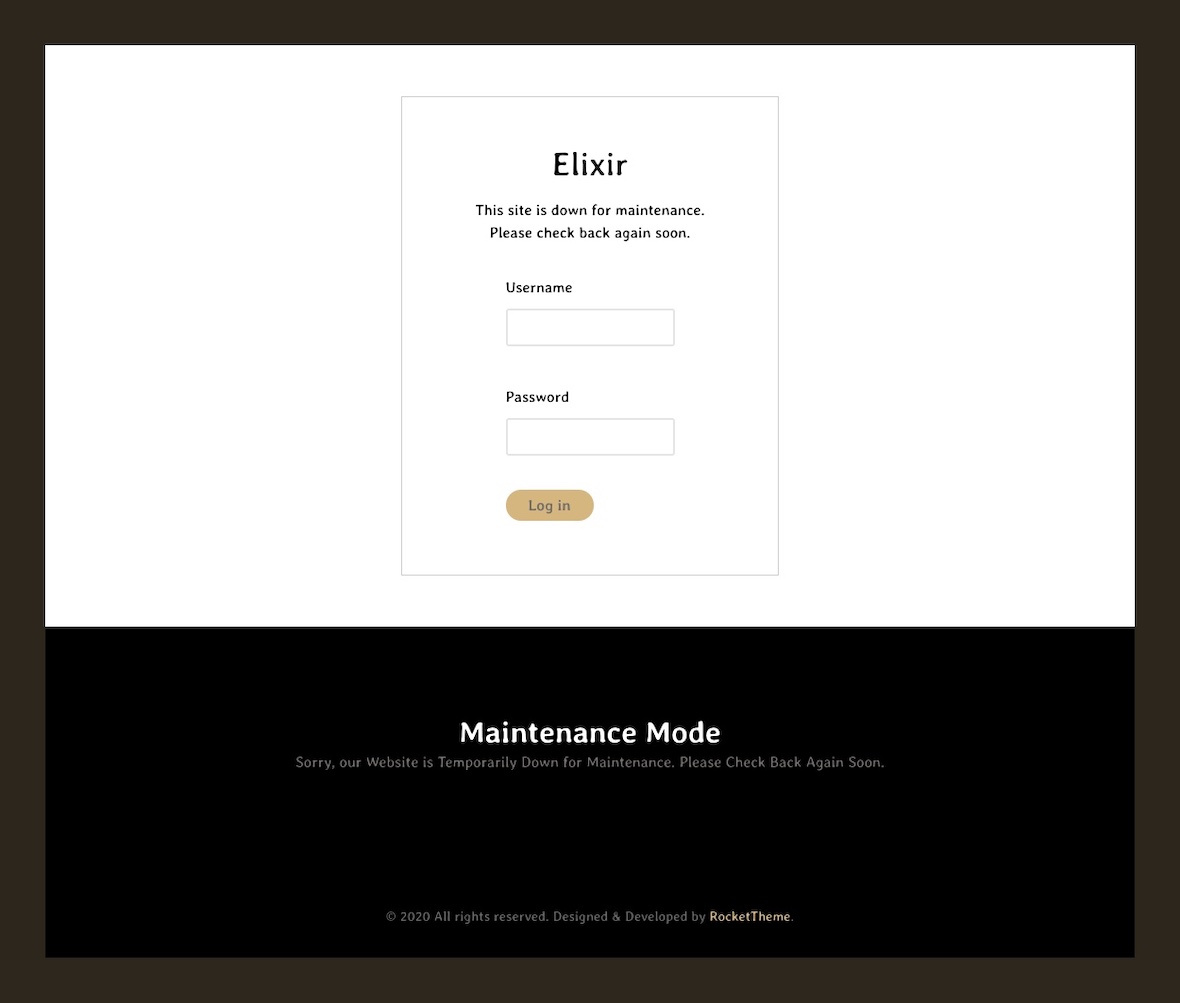
To make your Joomla! website unavailable to visitors, replacing it with a simple message, do this:
- Log in to the Administrator back-end.
- Click on the Global Configuration button in the main Control Panel or System → Global Configuration in Joomla 3.x.
- There are so many configuration options that they need to be divided into separate groups or tabs. The Site tab, it should be the default first view displayed, if not click on the tab.
- Find where it says Site Offline and click the Yes button in Joomla 3.x.
- Optional: Change the Offline Message to give your visitors some explanation about why your website is unavailable.
- Click the Save toolbar button to implement the new settings:
- The Save toolbar button will save your changes and but leave you in Global Configuration.
- The Save and Close button will save your changes and return you to the Administrator Control Panel.
- You should see a message confirming the settings have been changed.